EADOC Document Management Demo

Request More Information

* Indicates required field

Bookmark and Share

Product Screenshots

Clicking on any of the screen shots will open a full size version screenshot for better viewing. To return to this page close the window with the screen shot by clicking close in the upper right hand corner of the screen.

User's Dashboard

EADOC Screenshot - User's Dashboard

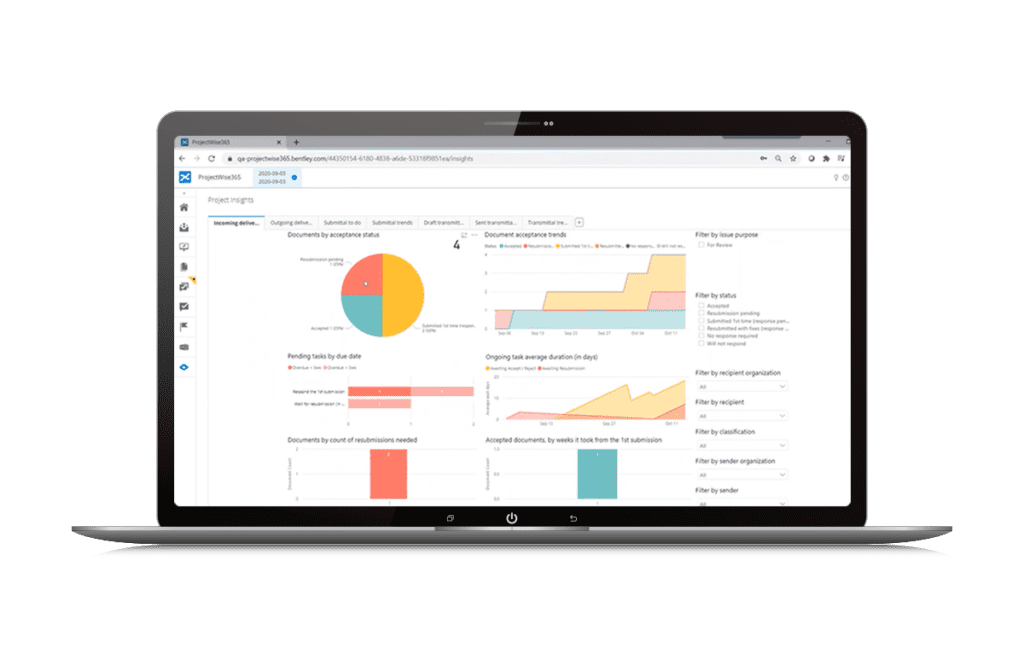
Dashboard options include inbox, one week schedule, alerts, finance summary, list of shortcuts, and outbox.

Submittals

EADOC Screenshot - Submittals

Submittals include history, subject, description, location, document links, and attached files.

Export and Printing

EADOC Screenshot - Export and Printing

Documents and reports can be exported to PDF, CSV, or HTML for easy printing.

Daily Logs

EADOC Screenshot - Daily Logs

EADOC supports multiple daily logs for contractors and inspectors allowing project managers to easily collect project information.

Reports

EADOC Screenshot - Reports

Reports are easily created using the EADOC report building tool. Reports can be printed, saved, and exported to Microsoft excel.

User Profiles

EADOC Screenshot - User Profiles

The user profile includes user permissions, contact information and email notification preferences.

Organization Profiles

EADOC Screenshot - Organization Profiles

Organization profiles contain contact information and permissions for each organization on the project.

Permissions

EADOC Screenshot - Permissions

User and Organization permissions give the project managers and each organization full control of there users the information that can be shared.

LEED

EADOC Screenshot - LEED

The LEED feature allow the clients to track LEED credits and link them with supporting documentation.

Finance Summary

EADOC Screenshot - Finance Summary

The finance summary gives project managers a detailed view of their projects financial health from the program level down to individual contracts on a project.

Budgets

EADOC Screenshot - Budgets

Budgets can be created at the program and project levels giving managers the flexibility to carefully track their project dollars.

Funding Sources

EADOC Screenshot - Funding Sources

Multiple funding sources allow schools and municipalities to track their spending based on the source of the funds.

Schedule of Values

EADOC Screenshot - Schedule of Values

Contractors, Architects, and Consultants can create their schedule of value for submitting to the Construction Manager or Owner for approval.

Contract Change Requests

EADOC Screenshot - Contract Change Requests

Contract Changes can be created for the contractor to submit their proposals. The proposals can then be approved or rejected.

Contract Change Orders

EADOC Screenshot - Contract Change Orders

Multiple contract changes can be rolled into a single change order that can be transmitted within an organization for multiple approvals.

Pay Estimates

EADOC Screenshot - Pay Estimates

Allow the contractors to submit their pay applications to the owner for approval. Invoices and certified payroll can be submitted with the pay estimate.

Risk

EADOC Screenshot - Risk

Risk items allow each organization to track issues that could effect the project.

RFIs

EADOC Screenshot - RFIs

RFI forms are completely customizable and can include pictures, text fields, and drop down options. Links to specifications, drawings, change orders, and Risk items can be included.